Shopify Sellers
EIN for Shopify Sellers: Tax Setup Guide (2026)
Shopify requires tax information for US sales. Learn how to get your EIN, set up Shopify Payments, and handle tax compliance whether you sell from the US or abroad.
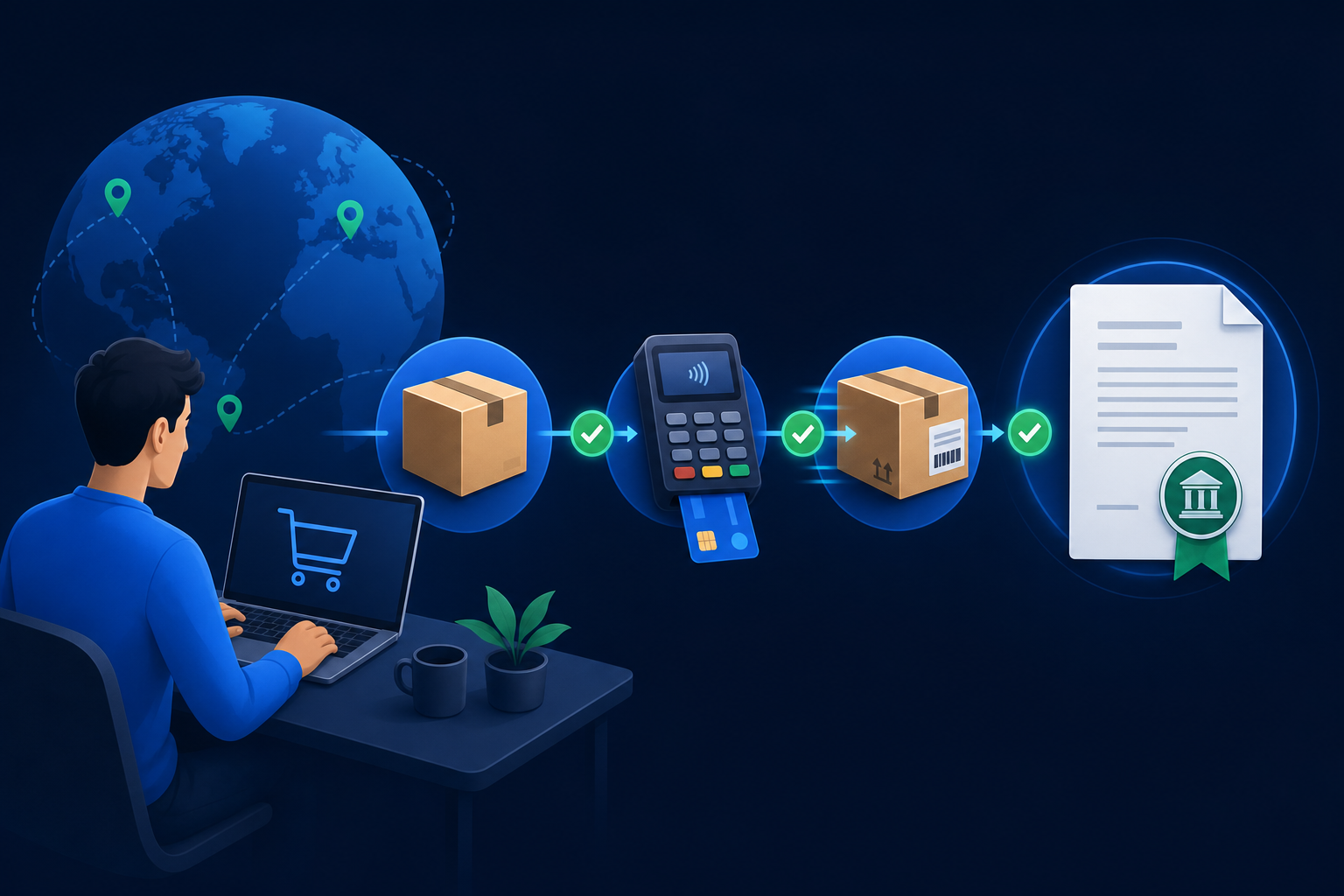
Shopify powers over 4 million online stores worldwide, making it the most popular e-commerce platform for independent sellers. Whether you sell physical products, digital downloads, or services, Shopify needs your tax information to comply with IRS reporting rules. For non-US sellers, this means getting an EIN before you can fully activate your store.
This guide covers everything Shopify sellers need to know about EINs: why Shopify requires one, how to get one as a non-US seller, how to configure your Shopify tax settings, and how to connect your EIN to Shopify Payments for seamless payouts. If you also sell on Amazon, see our EIN for Amazon sellers guide.
Tax Requirements
Why Do Shopify Sellers Need an EIN?
Shopify reports seller income to the IRS once gross sales exceed $600 per year using Form 1099-K. Over 4 million Shopify stores operate worldwide, and every US-facing store needs a TIN for tax compliance. Shopify is a payment facilitator, which means it processes transactions on behalf of sellers.
Shopify Tax Requirements by Seller Location
| Factor | US-Based Seller | Non-US Seller (with US LLC) |
|---|---|---|
| TIN Required | SSN or EIN | EIN (mandatory) |
| 1099-K Threshold | $600 in gross sales | $600 in gross sales |
| Shopify Payments Access | Available (lowest fees) | Requires US bank account + EIN |
| Sales Tax Collection | Required in nexus states | Required if economic nexus met ($100K/200 transactions) |
| Transaction Fee (Shopify Payments) | 2.4% + $0.30 (Advanced plan) | 2.4% + $0.30 (Advanced plan) |
Beyond tax reporting, Shopify Payments (the built-in payment processor) requires a TIN during activation. Without Shopify Payments, you are limited to third-party payment gateways that charge additional transaction fees. Activating Shopify Payments with your EIN gives you the lowest transaction rates and the smoothest checkout experience for your customers.
For non-US sellers, the EIN is your gateway to the US e-commerce market. You cannot activate Shopify Payments, handle US tax obligations, or open a US bank account for payouts without one. The IRS online EIN application requires an SSN, so non-US sellers must apply by fax using Form SS-4 -- or use a service like ein.so that handles the process for $49.
For US sellers, using an EIN instead of your SSN keeps your most sensitive personal identifier off Shopify's systems and the 1099-K forms sent to the IRS. This is a simple but effective identity protection measure. Learn more about who needs an EIN.
Setup Guide
How Do You Set Up Shopify Payments With Your EIN?
Shopify Payments is the built-in payment processor that gives you the lowest transaction fees and the most seamless checkout experience. Setting it up with your EIN takes just a few minutes once you have your EIN confirmation letter from the IRS.
Access Payment Settings
Enter Business Information
Provide Your EIN
Connect Your Bank Account
Verify and Activate
International Sellers
How Do Non-US Shopify Sellers Get an EIN?
Non-US residents cannot use the IRS online EIN application because it requires an SSN or ITIN. The alternative is filing Form SS-4 by fax directly to the IRS. This is the official method the IRS provides for applicants without an SSN, and it works regardless of your country of residence.
ein.so specializes in this process. We prepare your Form SS-4 with the correct entity type, verify every field against IRS requirements, fax it to the IRS, track the response, and deliver your EIN by email and WhatsApp. The process takes 14 business days with our Standard service ($49) or 7 business days with Express ($97).
What you need to apply:
- Valid passport (any country)
- US LLC formation documents (if applicable)
- Your foreign home address
SSN or ITIN (not required)US visa or physical presence (not required)
For the complete walkthrough of the non-resident EIN process, see our EIN for non-US residents guide. Ready to get started? Apply for your EIN now.
Tax Configuration
How Do You Configure Shopify Tax Settings With Your EIN?
45 US states plus DC impose sales tax, and Shopify sellers with economic nexus must collect in each. Beyond Shopify Payments, your EIN is used in Shopify's tax settings to handle sales tax collection and income tax reporting. Proper tax configuration prevents compliance issues and ensures smooth operations as your store grows.
Shopify Tax Settings Configuration
In your Shopify admin, go to Settings > Taxes and Duties. Here you configure which regions you collect sales tax in, your tax registration numbers for each state, and your federal EIN. If you use Shopify Tax (the automated tax calculation feature), your EIN is used to register with state tax authorities.
Sales tax nexus is an important concept for Shopify sellers. If you have economic nexus in a state ($100,000 in sales or 200 transactions), you must collect and remit sales tax in that state. Shopify Tax automates this calculation, but you need to register with each state's tax authority using your EIN.
For non-US sellers, sales tax can be complex. Many non-US Shopify sellers use services like TaxJar or Avalara (both integrate with Shopify) to automate sales tax compliance. Your EIN is required to set up these services and to register with state tax authorities.
At year end, Shopify generates a 1099-K if your gross sales exceed $600. This form is sent to the IRS with your EIN. You use this information when filing your business tax return. If you operate through an LLC, see our EIN for LLC guide for more on tax filing requirements.
Platform Comparison
How Does Shopify Compare to Amazon for EIN Requirements?
Both platforms require a TIN, but Shopify is more flexible during setup. Amazon blocks 100% of seller functionality until the tax interview is complete. Shopify lets you build your store first and restricts only payment processing until you provide your EIN.
Shopify vs Amazon: EIN Requirement Comparison
| Requirement | Shopify | Amazon |
|---|---|---|
| EIN needed to create account | No | Yes (tax interview) |
| EIN needed for payments | Yes (Shopify Payments) | Yes (required for all sales) |
| 1099-K reporting | Over $600 | Over $600 |
| SSN alternative | EIN accepted | EIN accepted |
| Non-US seller support | EIN required for US payments | EIN required for registration |
Many sellers use both platforms simultaneously -- Shopify for their own branded store and Amazon for marketplace reach. The good news is that one EIN works for both. For details on the Amazon side, see our EIN for Amazon sellers guide.
Next Steps
What Should Shopify Sellers Do After Getting Their EIN?
Your EIN unlocks the full Shopify selling experience. Here is the step-by-step roadmap from EIN to your first Shopify sale:
Open a US Bank Account
Activate Shopify Payments
Configure Tax Settings
Build and Launch Your Store
Plan for Tax Compliance
The entire process from EIN application to first Shopify sale takes 2-4 weeks. Getting your EIN is the fastest step when you use ein.so. Start your EIN application today.
Frequently Asked Questions
Does Shopify require an EIN to sell?
Shopify itself does not require an EIN to create a store. However, Shopify Payments and US tax compliance require a Tax Identification Number. Non-US sellers need an EIN because they do not have an SSN. US sellers benefit from using an EIN to keep their SSN off business tax forms.
Can I open a Shopify store without an EIN?
You can create a Shopify store without an EIN, but you cannot activate Shopify Payments or properly handle US tax obligations without a TIN. If you sell to US customers and earn above the 1099-K threshold, Shopify must report your income to the IRS, which requires a TIN.
Do non-US Shopify sellers need an EIN?
Yes. Non-US residents selling through Shopify to US customers need an EIN for tax compliance, payment processing through Shopify Payments, and opening a US bank account to receive payouts. ein.so handles EIN applications for non-US Shopify sellers for $49 (Standard) or $97 (Express).
How do I add my EIN to Shopify?
In your Shopify admin, go to Settings > Taxes and Duties. Enter your EIN in the tax identification field. For Shopify Payments, navigate to Settings > Payments > Manage and enter your EIN in the business information section. Make sure the business name matches your EIN confirmation letter exactly.
How long does it take to get an EIN for Shopify?
US residents with an SSN can get an EIN instantly online. Non-US residents must apply by fax, which takes 4-7 business days. ein.so's Express service ($97) delivers your EIN in 7 business days so you can set up Shopify Payments quickly.
Can I use the same EIN for Shopify and Amazon?
Yes. Your EIN is tied to your business entity and can be used across all platforms, including Shopify, Amazon, PayPal, Stripe, and your bank account. You do not need separate EINs for different sales channels.
Do I need an LLC to sell on Shopify?
An LLC is not required to sell on Shopify. Sole proprietors can sell using their personal EIN. However, an LLC provides liability protection and separates your personal and business assets. Most serious Shopify sellers eventually form an LLC, especially non-US sellers who want to open a US bank account.
What tax forms does Shopify send to the IRS?
Shopify reports seller income to the IRS using Form 1099-K if you exceed the reporting threshold. For 2026, the threshold is $600 in gross sales. Your EIN appears on this form. Shopify also collects W-9 (US entities) or W-8BEN (foreign entities) forms that require your EIN.
Ready to Sell on Shopify?
Get your EIN in days. $49 Standard. $97 Express. No SSN required.
Get My EIN for $49